 GetRent
How to keep track of tenants and lease dates
Most landlord headaches — missed renewals, awkward disputes, “what did we agree again?” — start with scattered tenant records. Here’s how to keep track of tenants and lease dates so nothing sneaks up on you.
Why tenant and lease tracking matters
A lease end date you forgot is a decision you didn’t get to make. Miss it and the tenancy may roll over on old terms, a rent review slips a year, or you find yourself scrambling to re-let with no notice. Scattered records cause the disputes too: when the agreed rent, the deposit amount or a promised repair lives in an old text thread, both sides remember it differently.
The fix isn’t complicated — it’s a single, current record per tenant that you can pull up in seconds.
What every tenant record should contain
- Contact details — phone, email, and an emergency contact.
- Lease start and end dates — the end date is the one that bites when it’s forgotten.
- Rent terms — amount, due day, deposit held, what’s included.
- The property they occupy — obvious with one rental, essential with five.
- Notes and agreements — anything agreed along the way, dated.
- Payment history — every rent payment received, so “I always pay on time” can be checked, not argued.
Where landlords usually keep this — and why it fails
Contacts app for the phone number, email for the lease PDF, a spreadsheet for the rent, memory for the rest. Each piece is fine; the combination is the problem. Nothing connects the tenant to the property, the payments or the dates, so every question means a search across four places — and end dates live nowhere at all.
How GetRent does it
GetRent keeps the whole picture together, attached to the property it belongs to:
- Tenant profiles — name, contact details and notes, linked to the right rental.
- Lease end dates — stored on the profile, so a glance tells you which tenancy ends next.
- Payments log — every rent payment recorded with its date, building a clean history per tenant. It feeds your income and expense records too, and makes raising a rent invoice a few taps.
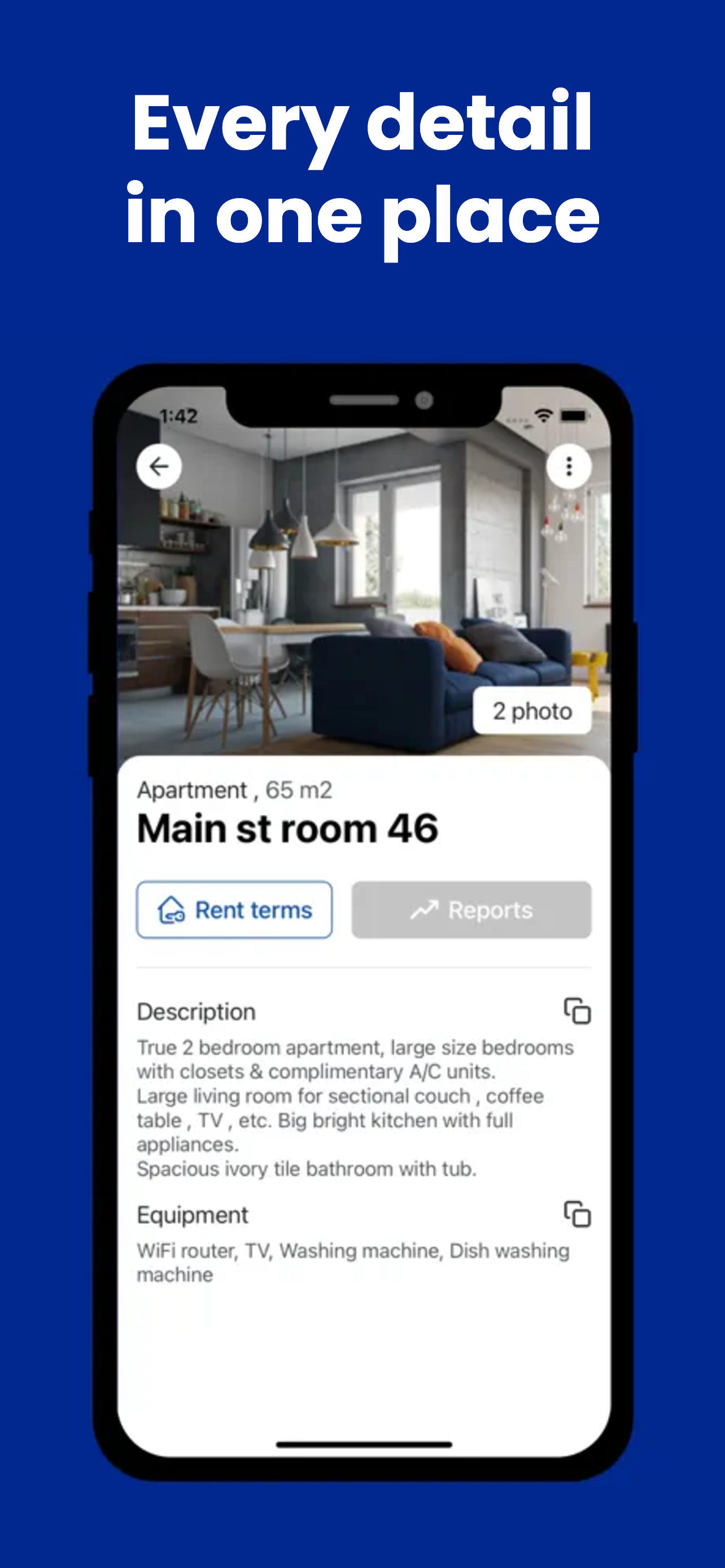
- Property records alongside — photos, documents and equipment for the unit the tenant occupies.
- Suppliers & contractors list — when a tenant reports a leak, the plumber’s number is in the same app.
Because it all lives on your iPhone or iPad, the answer to any tenant question is in your pocket — at a viewing, at the door, or on the phone with the tenant. It’s free for one property, so you can move your records over tonight.
Never lose track of a tenant or a lease date
Download GetRent free and set up your tenant profiles in minutes.
Download on theApp Store