 GetRent
Rental property profit & loss statement made simple
A rental property profit and loss statement answers the only question that really matters: is this rental making money? Here’s what a P&L contains, how to read one, and how to get yours without a spreadsheet.
What is a rental property profit and loss statement?
A profit and loss statement (P&L) is a summary of everything a property earned and everything it cost over a period — a month, a quarter, or a year. The math is simple: rental income − operating expenses = net profit (or loss). It’s the same report an accountant would prepare for any small business, because that’s exactly what a rental is.
The lines on a rental P&L
Income
- Rent payments received during the period
- Other income — parking, storage, fees or extra charges
Operating expenses
- Repairs and maintenance
- Insurance
- Management and professional fees
- Utilities and local charges you pay as landlord
- Mortgage interest and other financing costs
The bottom line
Income minus expenses gives you net profit for the period. Positive means the property paid you; negative means you paid the property. Note that a P&L tracks operating performance, not cash flow — mortgage principal repayments and big capital improvements sit outside it, which is why a property can show a paper profit while your bank balance says otherwise. Reading both together is what gives you the full picture.
Why landlords rely on a P&L
- Spot underperformers — a per-property P&L shows which rental quietly eats its rent in repairs.
- Price with confidence — real expense numbers tell you whether the rent still covers rising costs.
- Sail through tax season — a year-end P&L is most of your rental tax return already done.
- Prove performance — lenders and buyers ask for exactly this document.
How GetRent does it
In GetRent, the P&L isn’t a report you build — it’s a view that’s always up to date:
- Log payments and expenses as they happen, each against its property. That’s the only input needed.
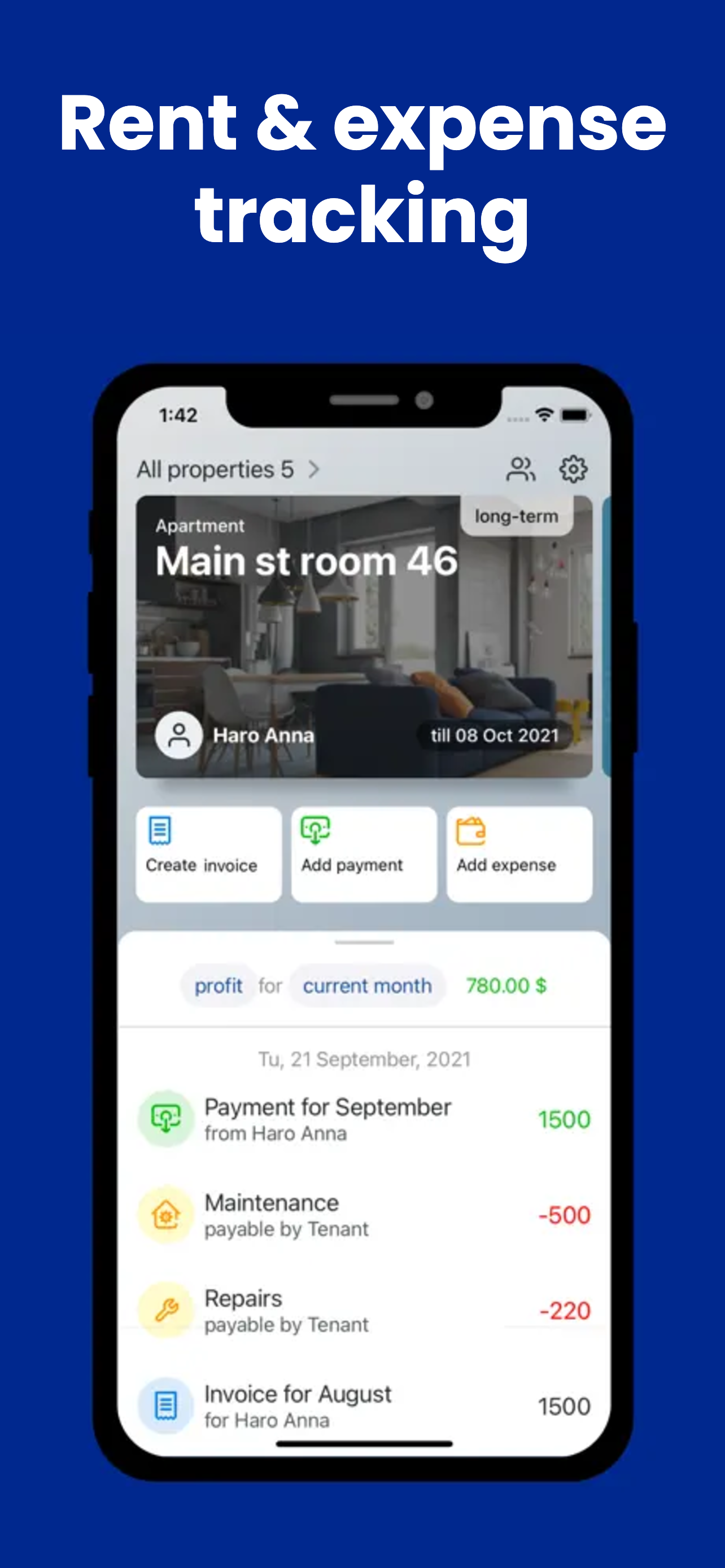
- Open the dashboard to see profit for the current month, calculated live from your records.
- Switch periods to compare months or view the year to date.
- Switch properties to see each rental’s own income, expenses and net — or your whole portfolio at once.
Because receipts and transaction details are attached to every entry, each number on the statement is backed by its proof. The only habit required is the one in our guide to tracking rental income and expenses — GetRent handles the rest of the math.
See your rental profit in real time
Download GetRent free — your first property’s P&L is on the house.
Download on theApp Store