 GetRent
How to manage a rental property from your phone
Rentals don’t happen at a desk. Rent arrives at the door, receipts appear at the hardware store, and questions come up in the car. Here’s how to manage a rental property from your phone — completely, not just “check it later”.
Why phone-first beats laptop-later
The old workflow — jot it down, update the spreadsheet at the weekend — has one fatal flaw: the gap. In the hours or days between the event and the entry, details get lost. The receipt fades, the payment date blurs, the repair cost becomes “about eighty, I think”. Managing from your phone closes the gap: the record is made in the moment the money moves, so it’s always accurate and always complete.
What a mobile-first landlord actually does
- Logs rent at the door. Tenant hands over the rent, landlord taps it into the payments log with the date — done before leaving the hallway.
- Snaps receipts on the spot. The receipt is photographed and attached to the expense at the till, not filed “for later”.
- Checks profit on the go. Current-month profit is a glance away, so decisions — approve that repair? raise that rent? — are made with real numbers.
- Sends invoices from anywhere. An itemized rent invoice exported to PDF and shared with the tenant in the same conversation that requested it.
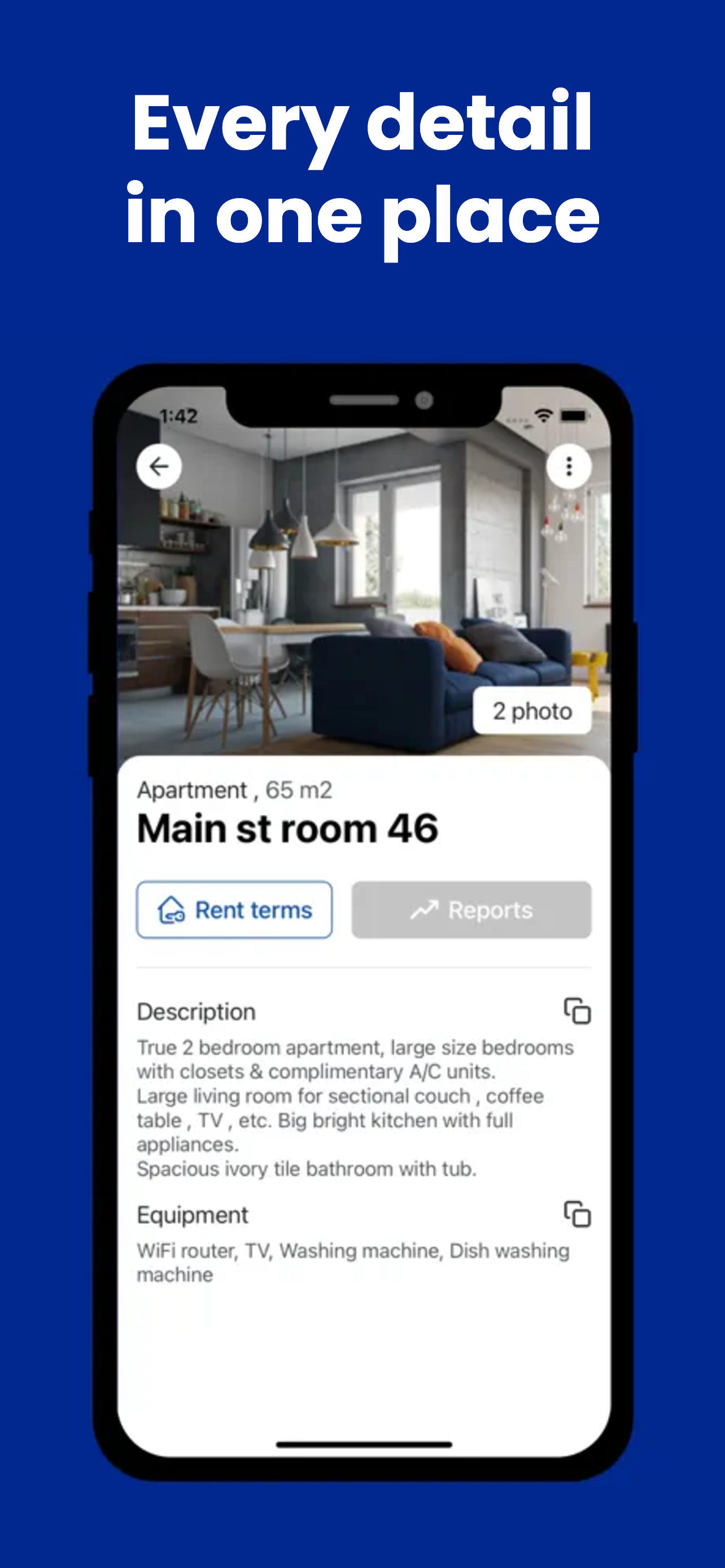
- Carries every detail. Property photos, documents, equipment lists, tenant contacts and the plumber’s number — all in a pocket, none in a drawer.
How GetRent does it
GetRent is built for iPhone and iPad, so the whole job fits in your pocket:
- Log payments and expenses in a couple of taps — each against the right property, with income and expense tracking that updates your monthly profit instantly.
- Attach receipts and transaction details to any entry, straight from your phone.
- Create a rent invoice and export it to PDF in seconds, ready to send to your tenant.
- Keep every property record with you — photos, size, equipment, documents — plus tenant profiles with lease end dates and a suppliers and contractors list.
There’s no sync-to-desktop step and no spreadsheet to reconcile later; the app on your phone is the system of record. And it’s free for one property, so going mobile-first costs nothing to try.
Leave the laptop at home
Managing a rental from your phone isn’t a compromise — done right, it produces better records than the desk-bound version ever did, because the data goes in while it’s fresh. Set up your property once, and the day-to-day takes seconds.
Run your rentals from your pocket
Download GetRent free for iPhone and iPad and manage your first property today.
Download on theApp Store