 GetRent
The best rental property spreadsheet alternative
The rental spreadsheet always starts well: a tab per property, a few formulas, total control. Then real life happens. If you’re searching for a rental property spreadsheet alternative, here’s why the sheet breaks — and what to replace it with.
Where Excel and Google Sheets fail landlords
- Formulas break silently. One inserted row or accidental overwrite, and your yearly totals are quietly wrong. You find out at tax time — or never.
- Receipts live somewhere else. The number is in the sheet; the proof is in a drawer, a photo roll or an email. Come an audit, the two never match up.
- It’s not mobile. Editing a spreadsheet on a phone screen is painful, so entries wait for the laptop — and waiting is how expenses get forgotten.
- Every entry is typed by hand. Dates, categories, tenant names — retyped each time, with typos as the tax on effort.
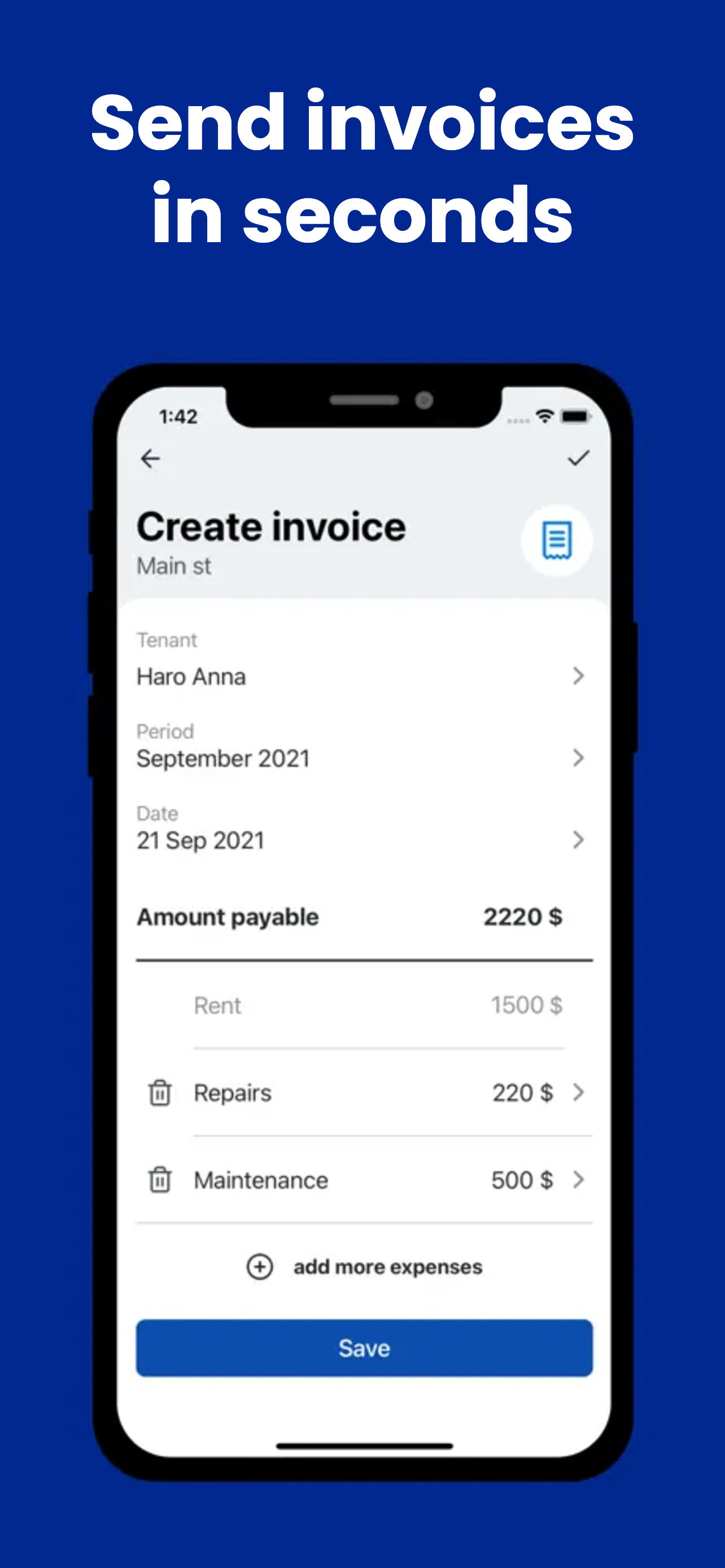
- No invoices. A sheet can’t send your tenant an itemized rent invoice; that means keeping a separate template and re-entering the same data twice.
- No structure for tenants and leases. Contacts, lease end dates and documents don’t fit in cells, so they scatter across other apps.
Spreadsheet vs app: the honest comparison
A spreadsheet is a blank grid; a landlord app is the grid already filled with the right structure. The spreadsheet wins on ultimate flexibility — you can model anything, if you enjoy building it. The app wins on everything that actually matters day to day: entries in seconds from your phone, receipts attached to transactions, totals that are always right, invoices generated instead of typed, and tenant records connected to the property and its payments.
Flexibility you have to maintain is a chore. Structure you don’t have to build is a tool.
How GetRent does it
GetRent gives you everything the spreadsheet was trying to be, plus what it never could:
- Income & expense tracking per property — each entry logged in a couple of taps; the math is done for you and can’t break.
- Receipts attached to transactions — the proof lives with the number, not in a shoebox.
- Live profit & loss — current-month profit per property or portfolio, no formulas to maintain.
- Itemized PDF invoices — something no sheet can send your tenant, created in seconds.
- Tenant profiles, lease end dates, property records and a suppliers list — the data that never fit in cells, structured properly.
Moving over is simple: set up your properties and tenants, then log new transactions as they happen — the same habit from our income and expense tracking guide, minus the grid. It’s free for one property, so you can run the app alongside your sheet for a month and see which one you still open. For the bigger picture on choosing tools, see the best app for small landlords.
Retire the rental spreadsheet
Download GetRent free and move your first property off Excel today.
Download on theApp Store